

Jon Hill
AI-Native Product Design | Systems UX | Adaptive Experiences | View Resume
I design complex digital products across enterprise and consumer platforms, using AI as a decision-support tool to improve clarity, scale, and user outcomes.
With 13 years of experience, I lead scalable digital product initiatives through UX research, design systems, and thoughtful decision-making.


AI-Augmented Game UX
AI-Augmented Game UX
This is a UX design system demonstration, not a client case study.
Game interfaces succeed when they match how players think. This demonstration walks through the UX considerations behind interface systems designed for clarity, accessibility, and adaptability — with AI as a thinking partner throughout.
 The Core Question




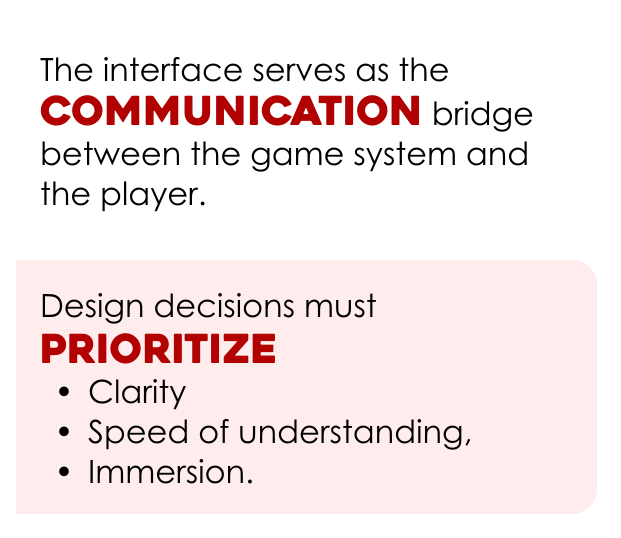

 Discovery Questions
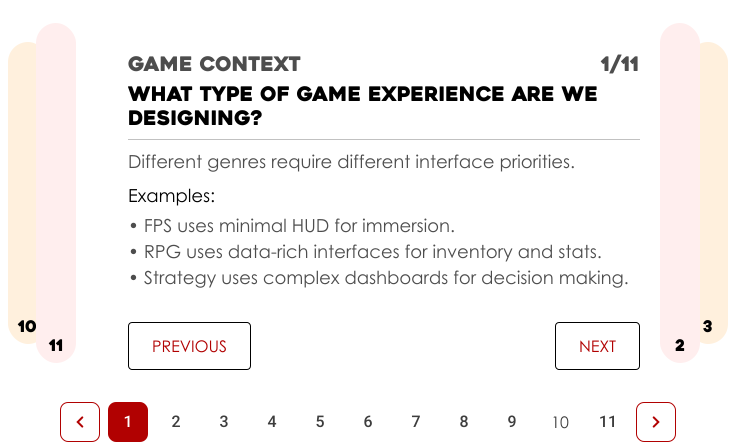
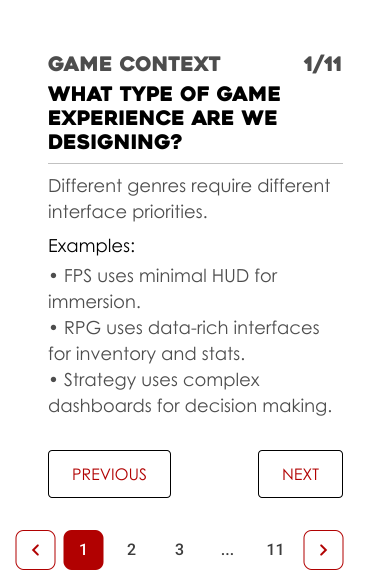
Each of these eleven questions represents a key design consideration that shapes interface structure and informs game interface architecture.
 Architecture
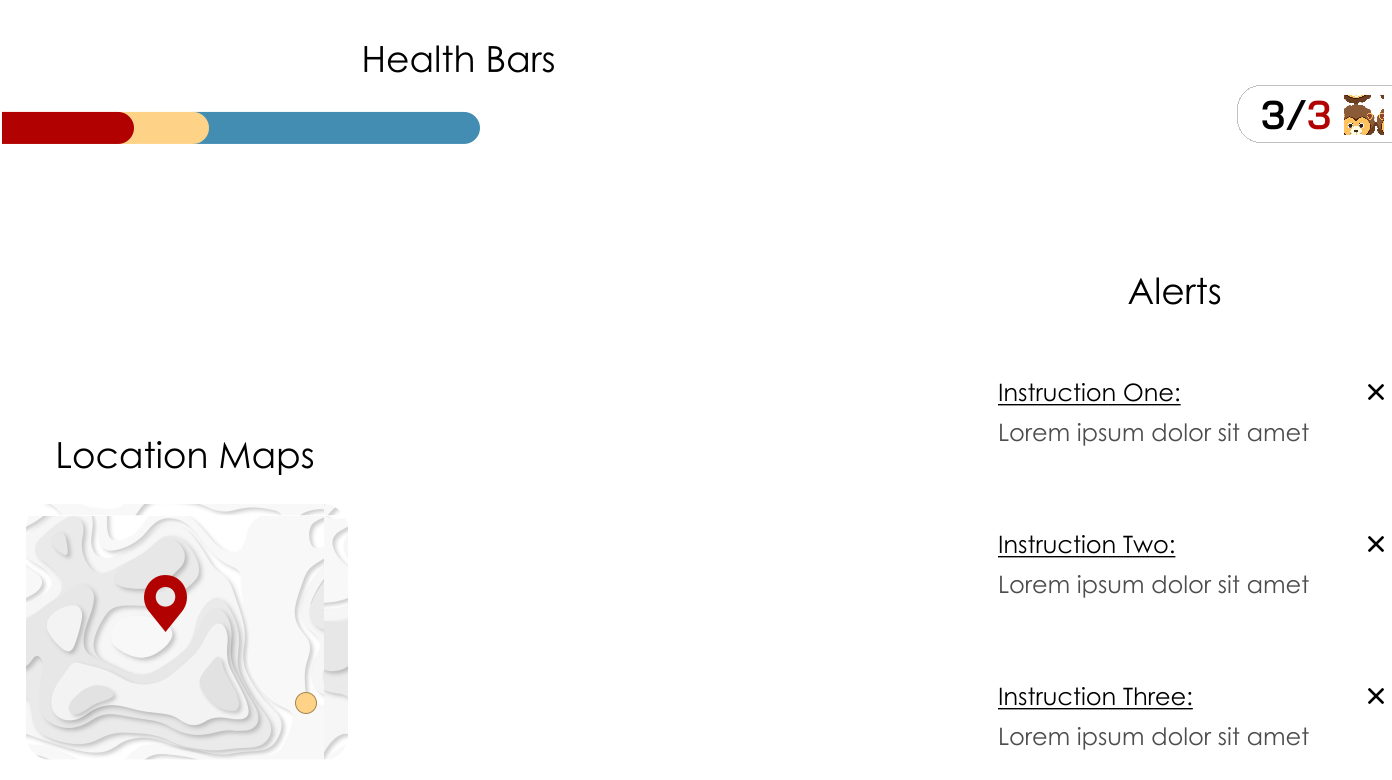
Player Needs  Information Priority AI Support Interface Components Contextual Adaptation Accessibility
Interface architecture translates player needs into structured systems that guide information, behavior, and interaction.
AI supports this process by enhancing analysis, simulating player scenarios, and validating interface decisions.
The Player needs
This is a combination of simple and strong interface design.
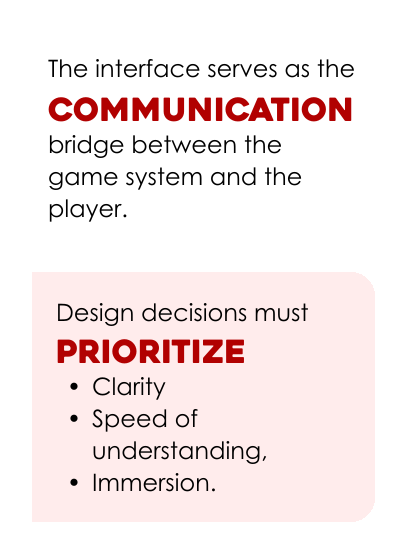
It focuses on moment-to-moment cognition and prioritizes communication over features.
Players must be able to understand, decide, and act in real time, guiding how interface systems prioritize clarity, decision-making, and responsiveness without disrupting player emotion.
Information Priority
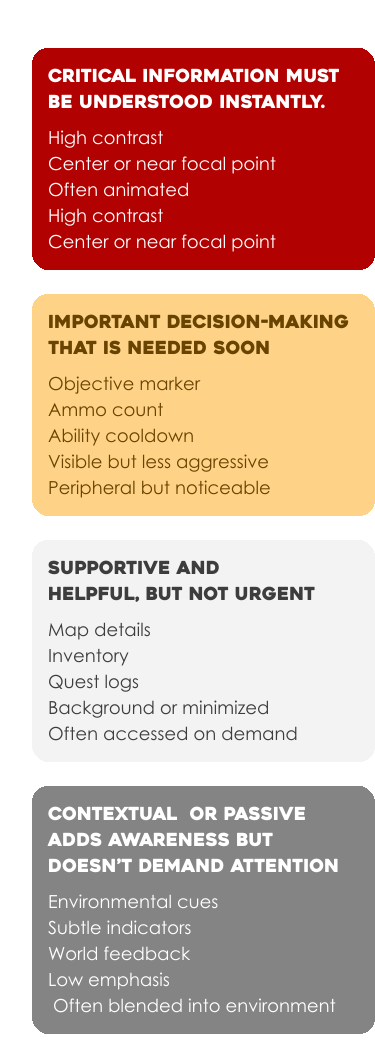
AI as a Design Partner

AI acts as a decision partner, helping analyze player behavior, simulate gameplay scenarios, and validate interface choices.
This approach is executed through analysis, simulation, and validation.
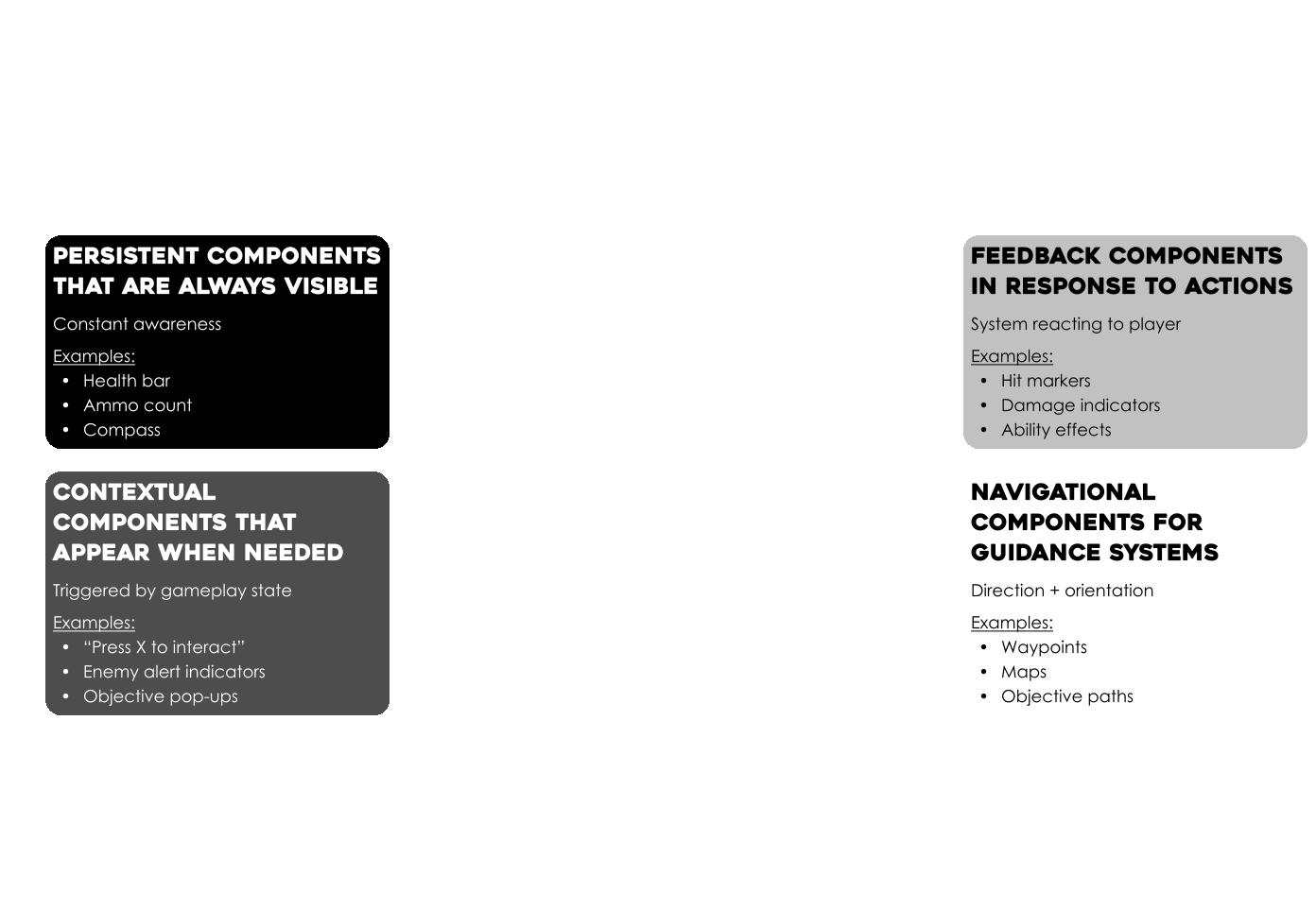
types of Interface Components
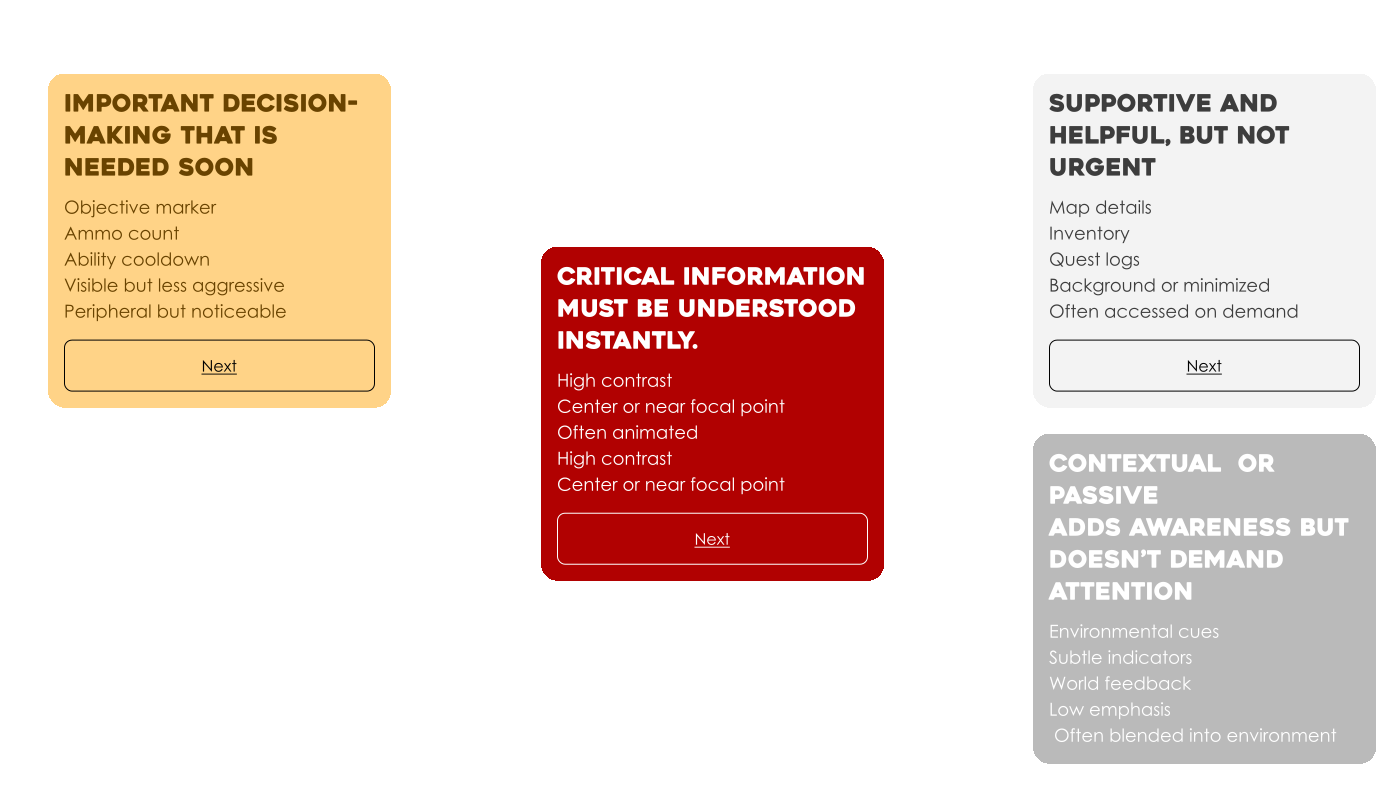
What is the best way to deliver this information so the player understands it instantly?

Context Adaption
Contextual Adaptation is how interface systems dynamically adjust what is shown, how it is shown, and when it is shown based on gameplay context.
The interface should respond to gameplay state, player behavior, and environment.
Exploration and minimal UI

Combat and full HUD

Dialogue

Menu information

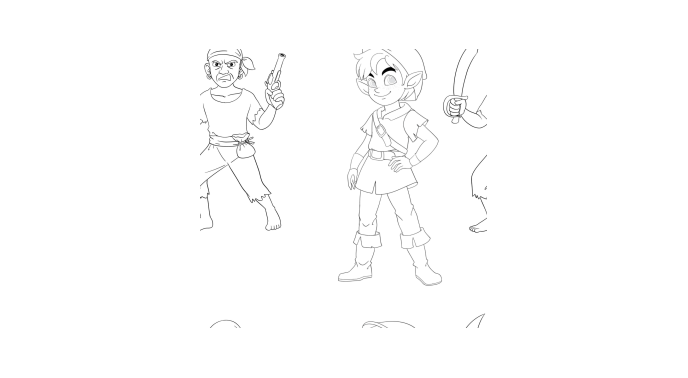
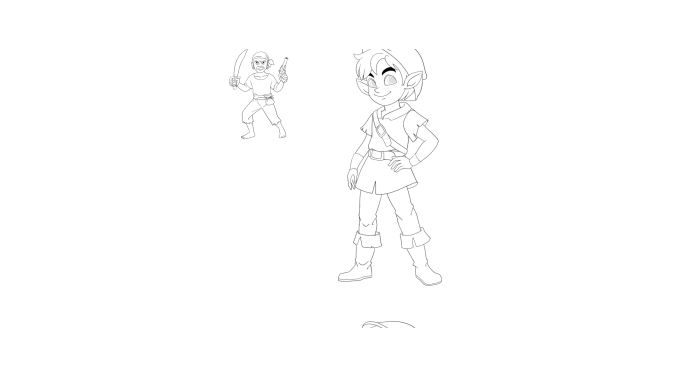
Proximity-Based Context (Distance and Relevance)
The interface adapts based on distance and relevance, increasing visibility and emphasis as elements become more immediate or important to the player.
elements close
Nearby threats are amplified through scale and emphasis to support immediate recognition and response.
elements Far away
Distant elements are minimized to reduce distraction while maintaining awareness.
Player-Driven Context (User Action)
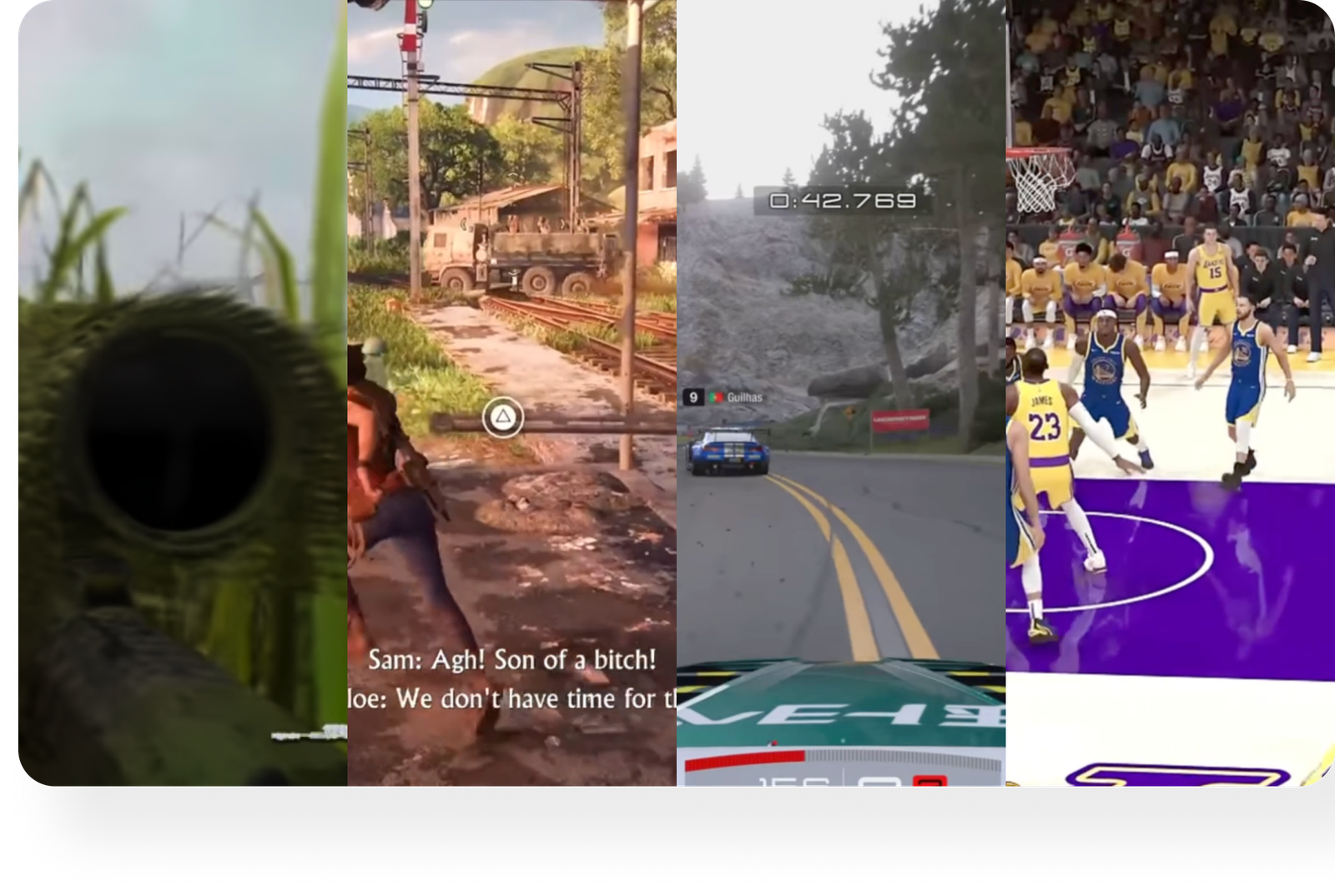
The interface adapts to player actions, revealing the right controls, feedback, and information at the moment they are needed.
The interface adapts to player actions, revealing the right controls, feedback, and information at the exact moment they are needed.
Examples & Behavior:
Aiming → Crosshair expands and targeting data appears.
Interacting → Contextual prompts surface.
Driving → Speed and navigation UI activate.
Using Ability → Ability UI activates with feedback and cooldowns.

Accessibility
The interface is designed so all players can see, understand, and interact with it, supporting different visual, cognitive, motor, and situational needs.
 Interface System Behavior
Game interfaces communicate with players by anticipating situations and player emotions, using precise, context-driven elements to enable instant understanding without distraction.
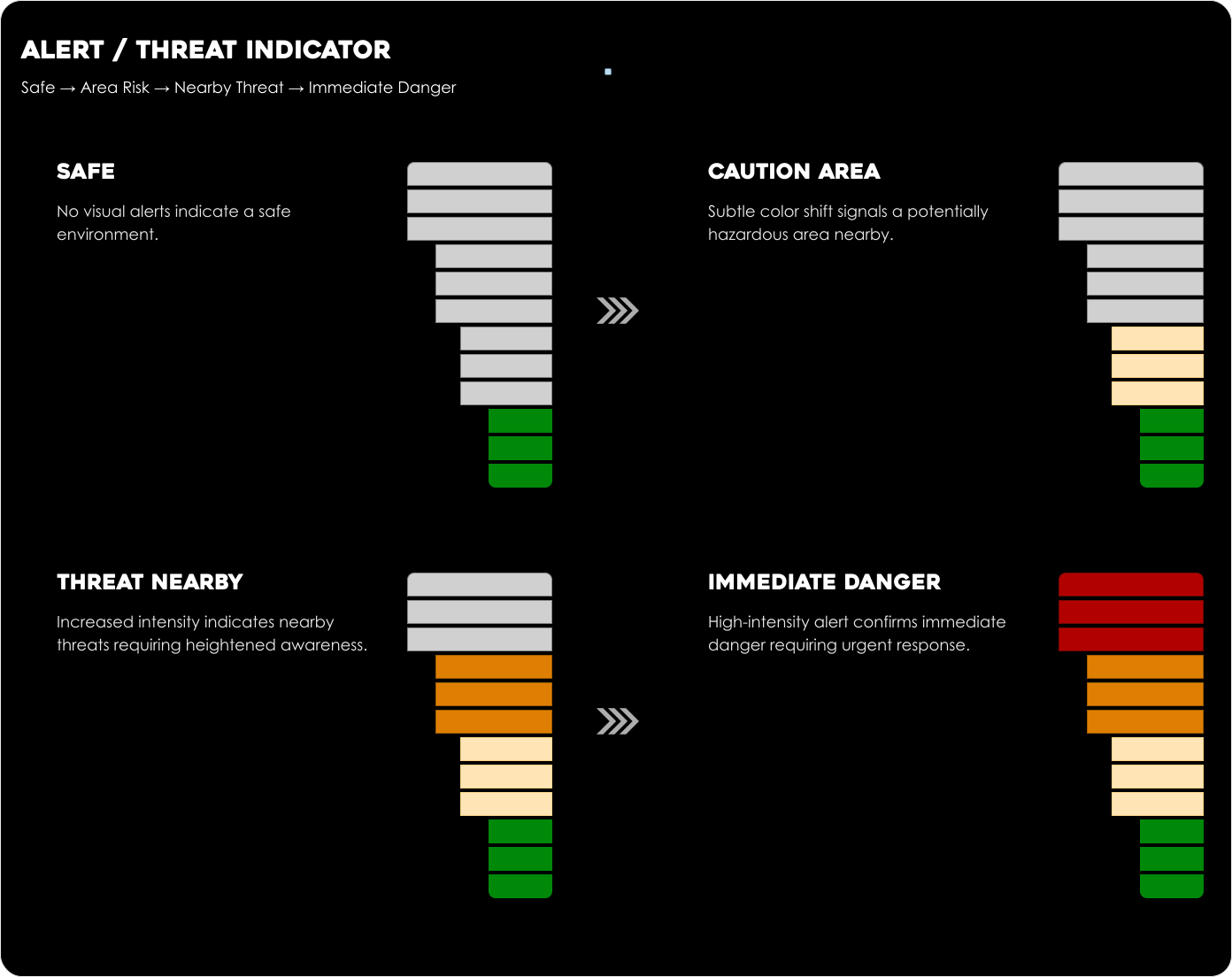

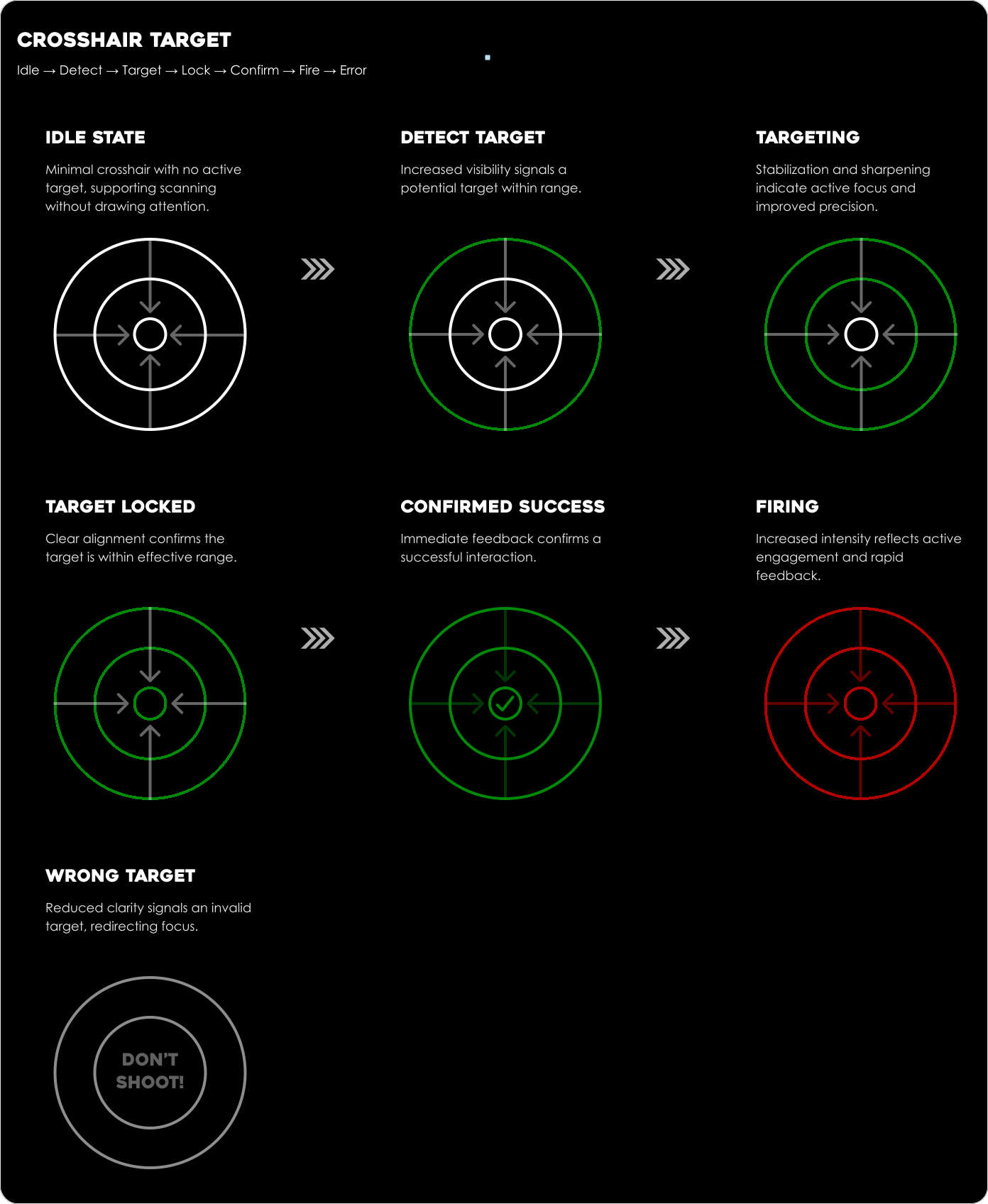

Interfaces Adapt to Gameplay Context
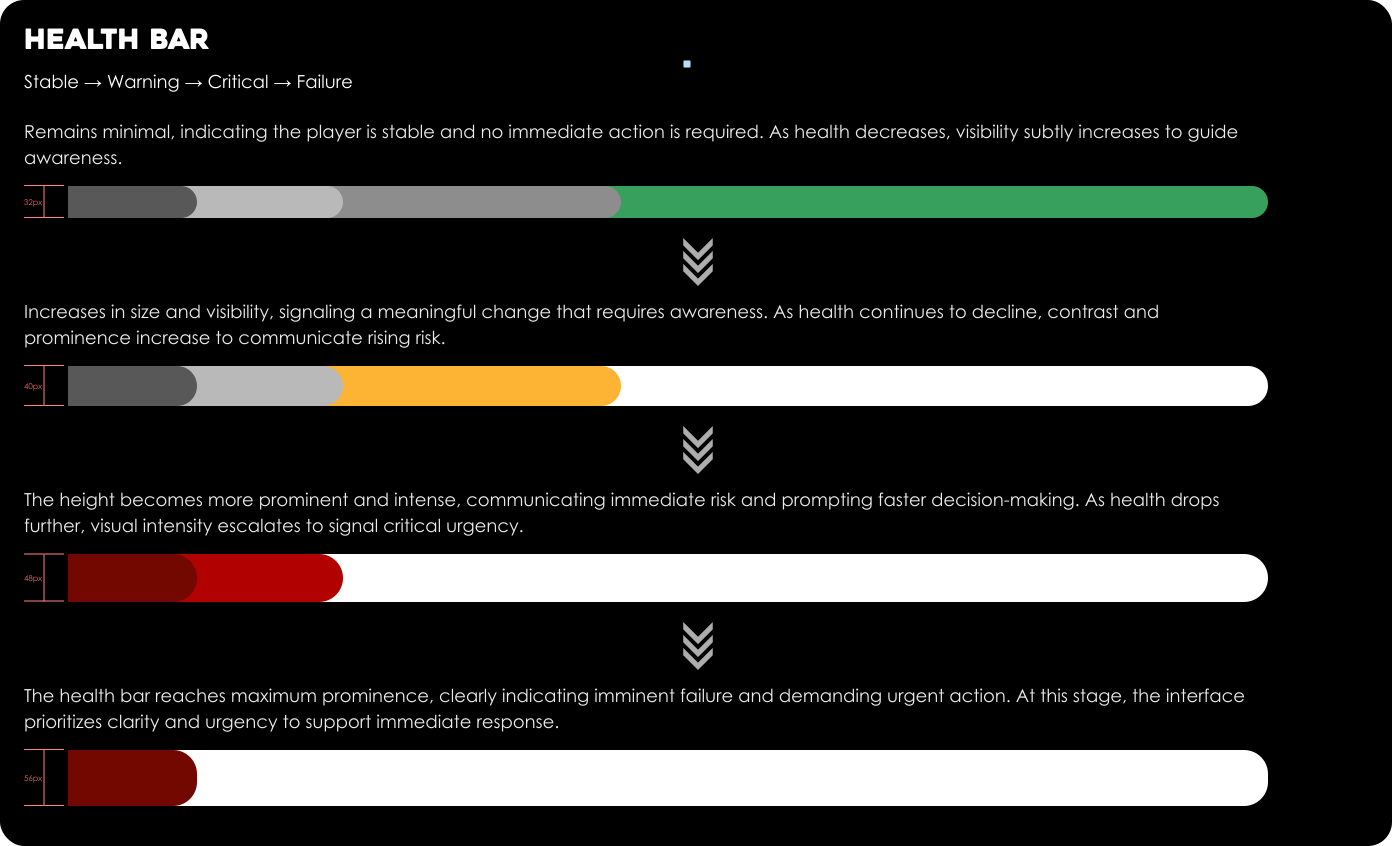
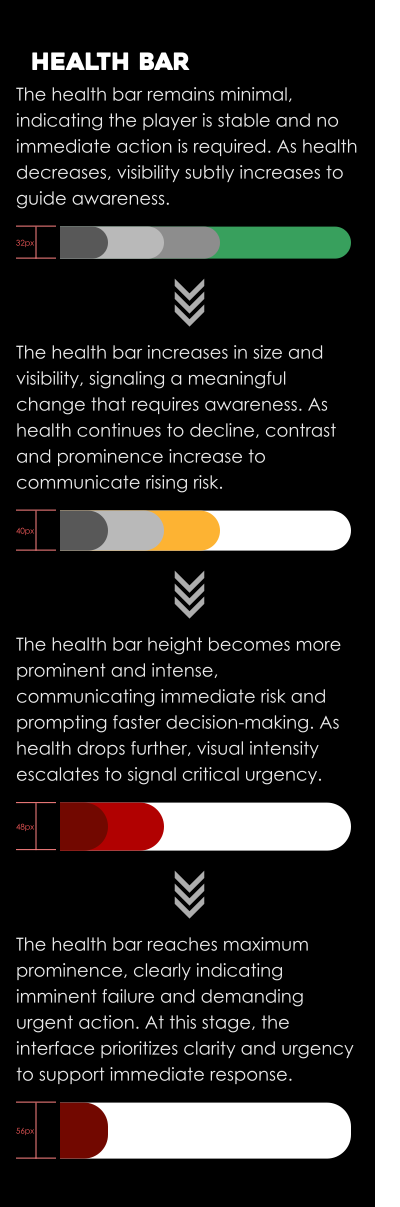
Game interfaces communicate with players by adapting to changing gameplay situations, using progressive visual feedback to guide awareness, decision-making, and action.
Exploration
The player explores freely in a safe environment, with minimal interface presence and no immediate threats.

Stealth
Subtle environmental cues signal emerging risk without interrupting exploration, as interface elements begin to surface and guide early awareness.
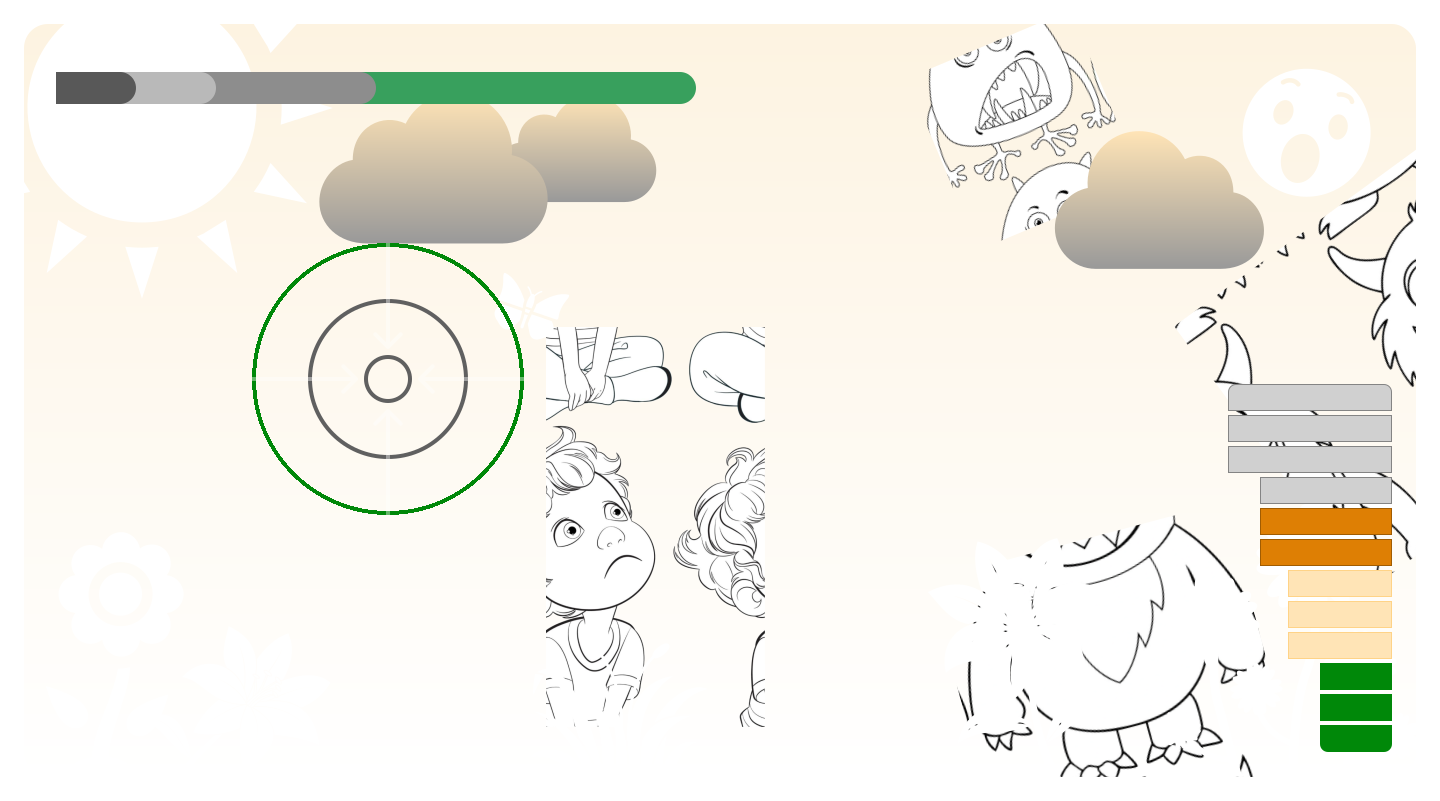
Combat Part One
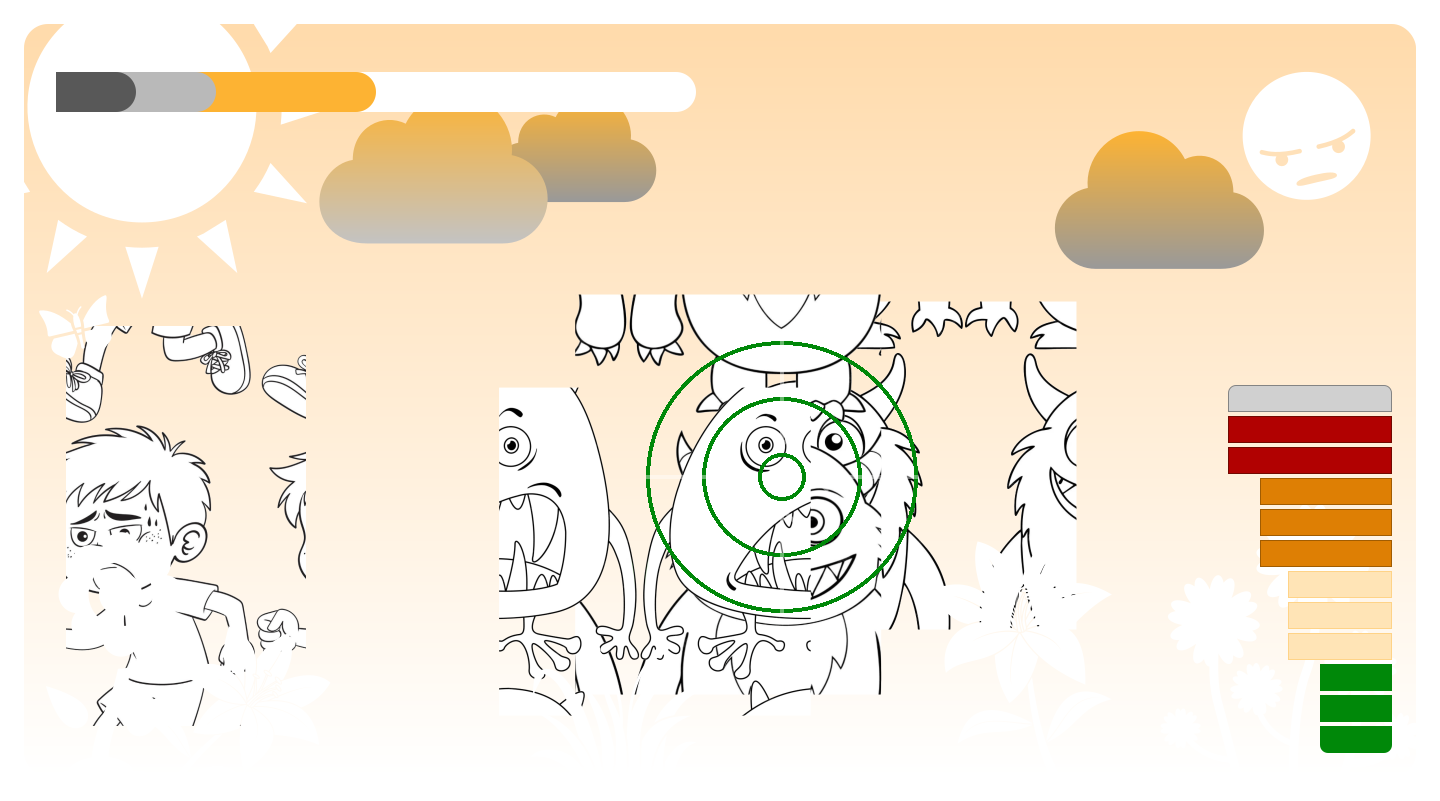
As threats move closer, interface elements increase in visibility, guiding player attention and readiness.
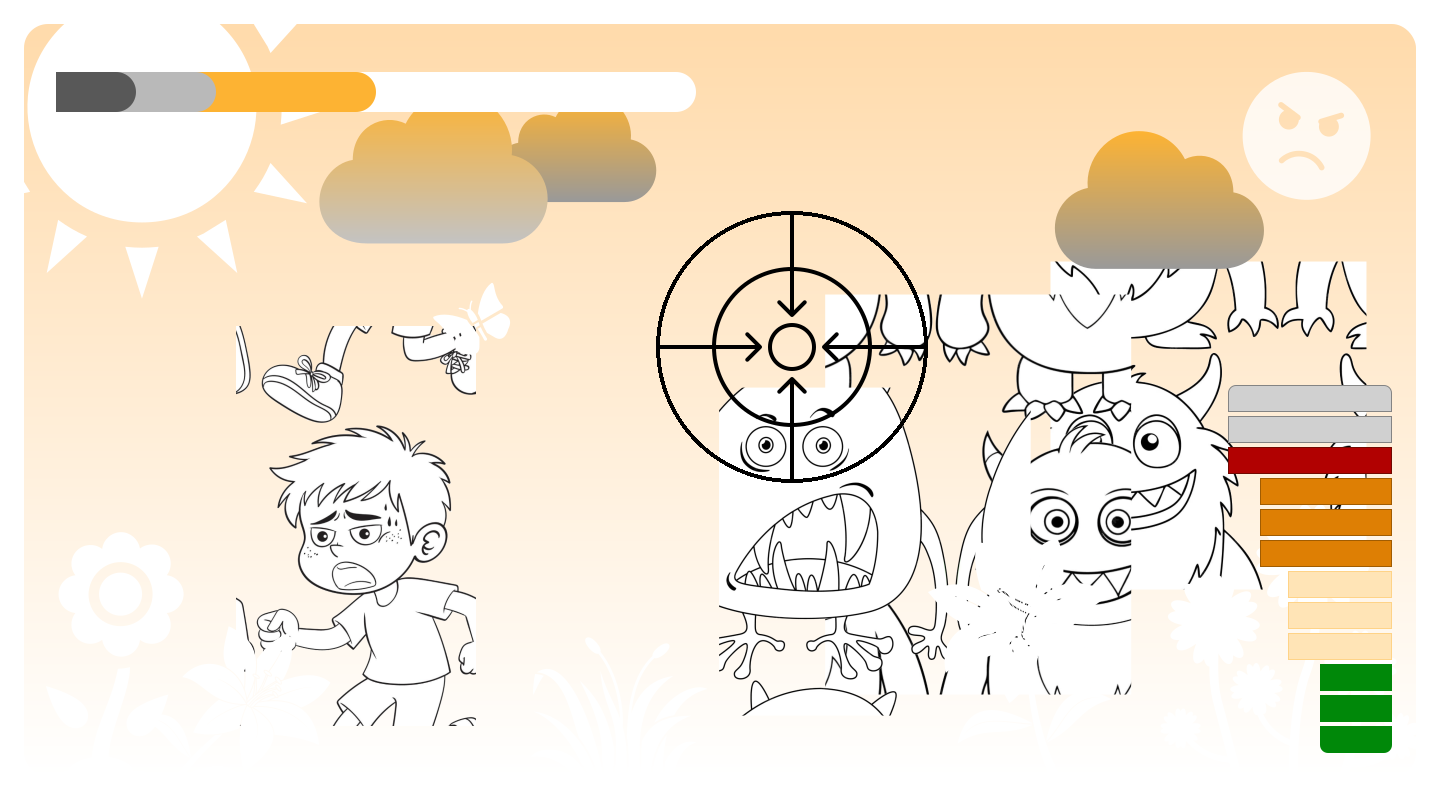
Combat Part two
Active danger triggers heightened interface feedback, supporting rapid decision-making and precise action.
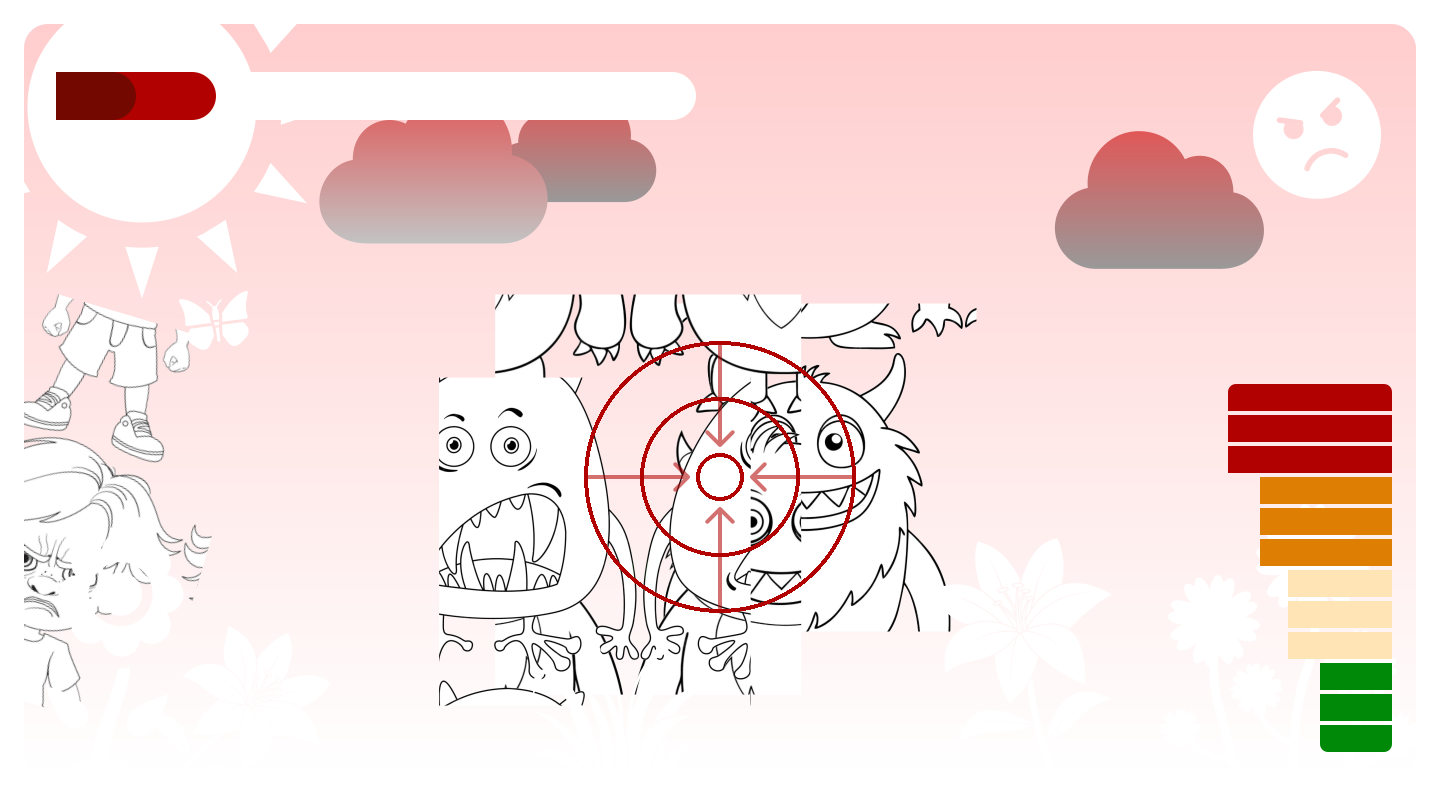
Critical
Escalating risk intensifies visual feedback, clearly communicating urgency and the need for immediate response.
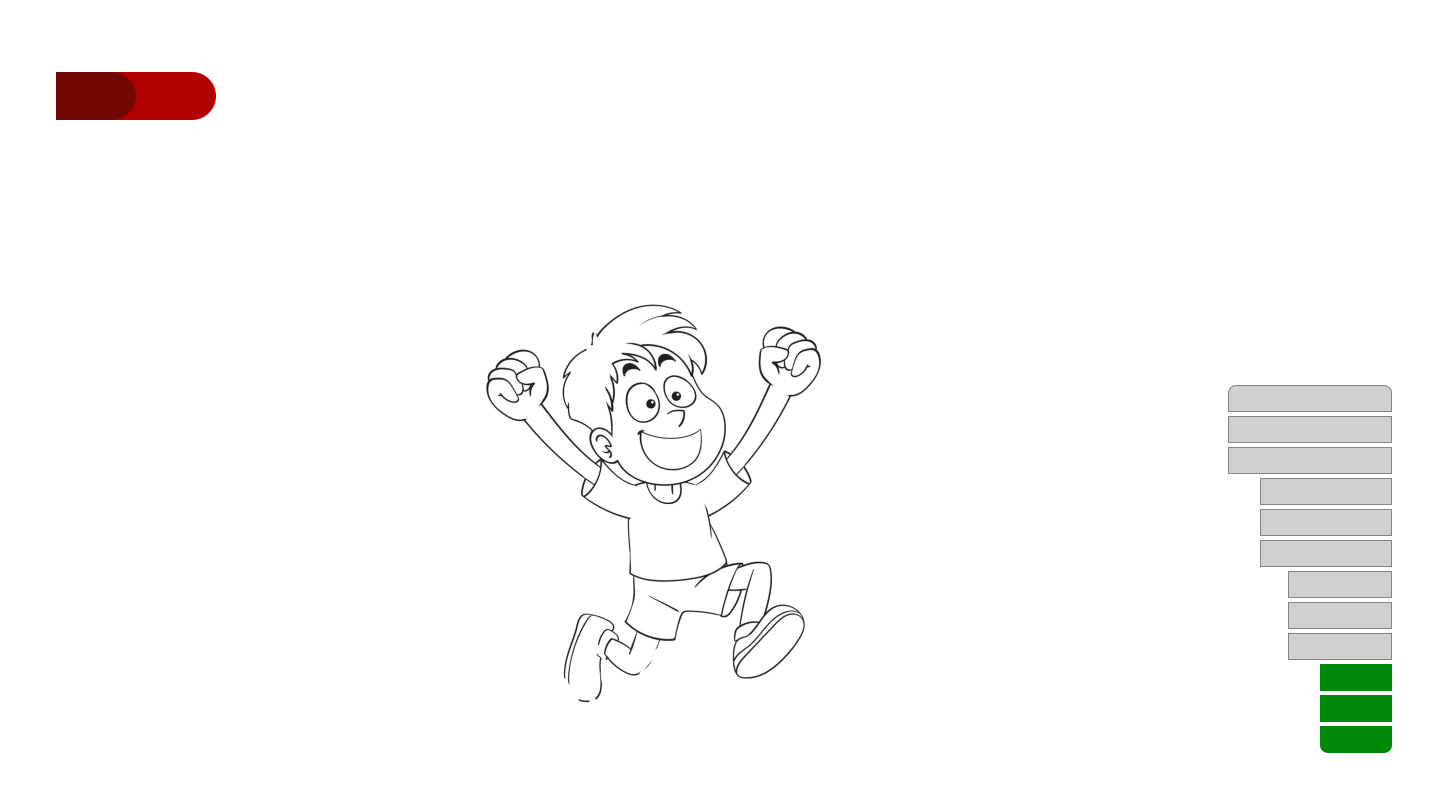
Exploration
With threats removed, the interface returns to a minimal state, restoring clarity and reducing visual noise.
 Conclusion
Great interfaces don’t just display information—they respond, adapt, and guide the player through every moment of the experience.